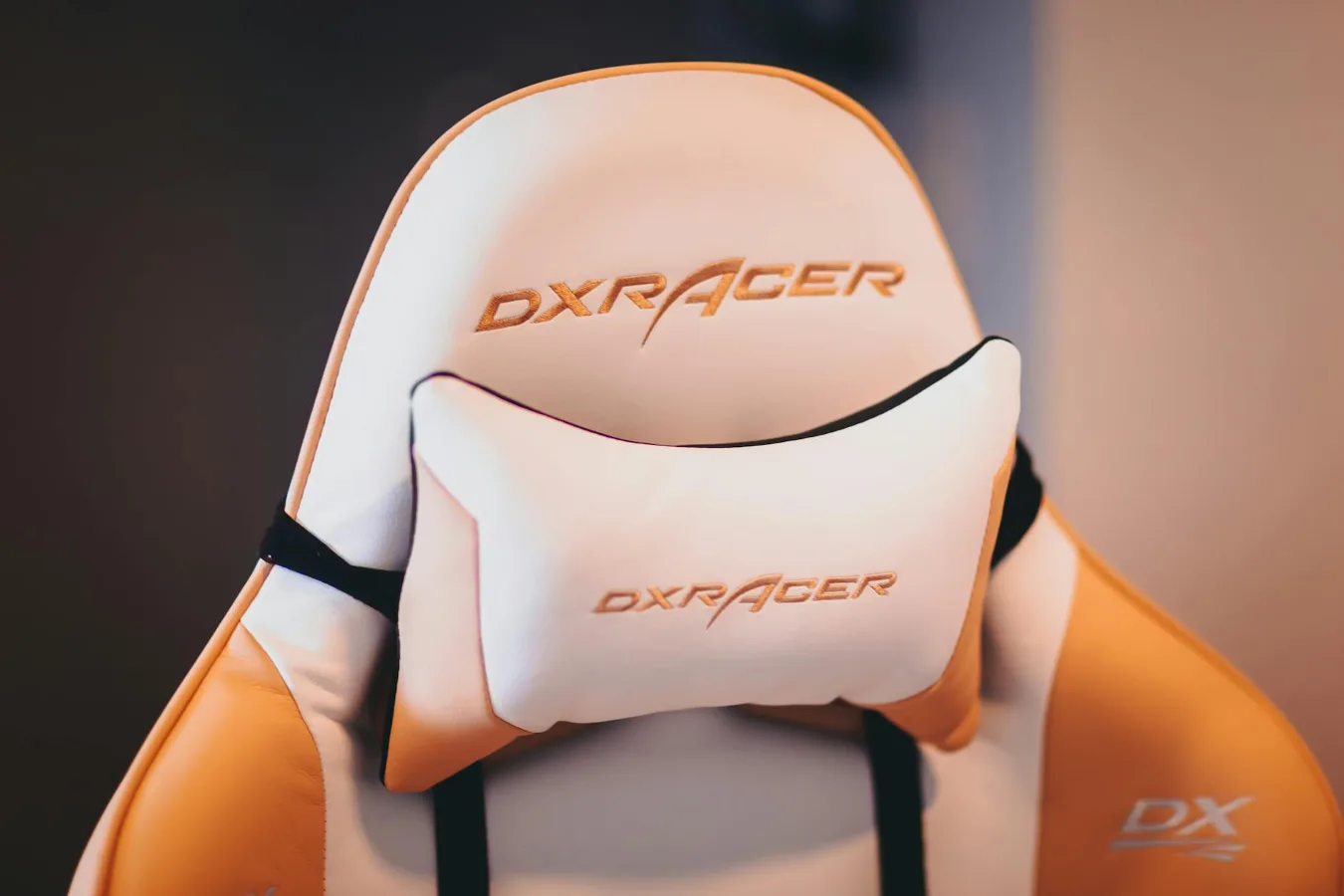
What the Ergohuman Leather Gen2 is best for
The Ergohuman Leather Gen2 ergonomic chair with headrest is the kind of chair people usually consider when they want a more supportive seat than a basic office chair, but do not want to give up the polished look of leather. It sits in the category of premium ergonomic seating, which means the real question is not simply whether it looks good, but whether its adjustability, fit, and support match your work habits. ergonomic office chair comfort basics offers more detail on this point. ergonomic saddle chair offers more detail on this point. Xuegw Ergonomic Office Chair Buyer Guide offers more detail on this point.
If you spend long stretches at a desk, the main appeal of this chair is the combination of a high back, a headrest, and multiple adjustment points. Those features can help reduce strain when a chair fits your body and your desk setup well. They can also feel unnecessary if you only sit for short periods or if your workspace is not set up correctly.
The most useful way to evaluate this chair is to focus on comfort in context: how your upper back is supported, whether the headrest actually meets your head at the right height, how the seat feels during extended sitting, and whether leather is a practical choice for your room and climate.
The comfort factors that matter most
For a chair like this, comfort is not one feature. It is the result of several smaller decisions working together. A chair can look premium and still feel wrong if one of those pieces is off.
Headrest fit
A headrest only helps when it supports the back of the head or upper neck at the right point. If it sits too low, it can push into the shoulders. If it sits too high, it becomes decorative rather than useful. This matters especially for people who lean back while reading, thinking, or taking calls.
One overlooked issue is that some users expect the headrest to improve upright typing posture. In practice, headrests are usually most useful when you recline slightly. For fully upright desk work, the backrest and lumbar support do more of the real work.
Lumbar support and back contour
The lower back is often the deciding factor in whether an ergonomic chair feels supportive or tiring. A good lumbar system should encourage a natural sitting position without feeling forced. The exact shape that works best is personal; some people prefer firmer support, while others want a lighter touch.
If you are sensitive to lower-back pressure, a chair with highly adjustable lumbar support is often more forgiving than a fixed design. That flexibility can matter more than upholstery material alone.
Seat comfort and pressure distribution
The seat should support body weight without creating obvious pressure points under the thighs or at the edge of the seat. Seat depth is especially important. If the seat is too deep, shorter users may lose back support. If it is too shallow, taller users may feel cramped.
This is one of the most common mistakes buyers make: they judge a chair by backrest style first and seat fit second. In reality, the seat is where you spend most of the day. If the seat does not fit, the rest of the chair has to work harder than it should.
Leather comfort versus mesh comfort
Leather offers a different kind of comfort than mesh. It tends to feel more padded, more formal, and less airy. That can be a benefit in cooler rooms or if you prefer a smoother contact surface. It can also be a drawback in warm climates, high-humidity spaces, or rooms without strong airflow.
Many people compare leather and mesh as if one is better overall. A better way to think about it is suitability. Leather can be a strong choice for visual warmth and cushioned support, while mesh often has the edge in ventilation and lighter feel during long, warm sessions.
How to decide whether this chair fits your setup
A premium ergonomic chair makes the most sense when your desk, monitor height, and sitting habits are already reasonably well aligned. The chair can improve comfort, but it cannot fully compensate for a monitor that is too low, a desk that is too high, or a habit of hunching forward.
Use case: long focused workdays
This kind of chair is most relevant for people who spend much of the day at a computer and want a chair that supports changes in posture through the day. If you alternate between typing, reading, meetings, and reclined thinking time, a headrest and flexible backrest can be genuinely useful.
Use case: home office or executive workspace
The leather finish makes sense in a home office where the chair is part of the room’s appearance as well as its function. It can also suit a more formal workspace where a task-chair look would feel too utilitarian.
Still, appearance should not outweigh fit. If the chair looks right but does not match your body dimensions or work style, the visual benefit fades quickly.
Use case: shared desks or hybrid work
If multiple people use the same chair, adjustability becomes more important than style. A chair with a wide adjustment range is easier to share, but no single chair fits everyone equally well. In a shared setting, the best choice is often the one that can be quickly reset between users.
Practical trade-offs to weigh before buying
Every ergonomic leather chair involves trade-offs, and this model is no exception. Knowing them in advance prevents disappointment later.
- Comfort versus airflow: Leather generally feels less breathable than mesh.
- Support versus simplicity: More adjustment options can improve fit, but they also require time to set up correctly.
- Polished look versus easy upkeep: Leather can look refined, but it needs care to stay that way.
- Premium feel versus exact fit: A chair can feel high quality without being the right shape for every body.
A common misconception is that a premium ergonomic chair automatically solves discomfort. Usually, it helps most when you already understand what is causing the discomfort. If the issue is poor desk height or a monitor placed too low, a chair alone will not fix it.
Adjustment points worth checking
With this type of chair, the value comes from the number and usefulness of the adjustments, not just the presence of them. Before buying, pay attention to how the backrest, headrest, seat, armrests, and recline functions work together.
Backrest recline
Recline is useful because most people do not sit in one position all day. A chair that allows a slight shift backward can reduce static load on the spine. That said, recline should feel controlled, not loose or overly springy.
Armrest positioning
Armrests matter more than many shoppers expect. If they are too high, shoulders rise. If they are too low, arms lose support. Ideally, they should help you relax your shoulders without forcing your wrists into an awkward angle.
Height range and desk compatibility
Any ergonomic chair must work with the height of your desk and keyboard setup. A chair can only do so much if your arms still have to reach upward or your elbows sit too low. Matching chair height to desk height is part of the comfort equation, not an afterthought.
Seat depth and edge shape
Seat depth is especially important for long-term comfort. If possible, look for a chair that lets you sit with your back supported while leaving a small amount of space behind your knees. That balance helps circulation and posture.
When leather is a smart choice
Leather is not automatically the best material, but it does make sense in specific situations. It is often a good fit if you want a chair that feels substantial, looks refined, and is easy to wipe clean on the surface.
It can be especially practical if your office is air-conditioned, if you prefer a warmer seating feel, or if the chair will be visible in a professional setting. Some users also simply prefer the smoother texture and more structured appearance of leather over mesh.
Leather is less ideal if you work in a warm room, tend to sit for very long uninterrupted stretches, or strongly prefer a cooler seating surface. Those users may find a breathable mesh chair more comfortable over time.
Maintenance and long-term care
Leather care should be simple, but it should not be ignored. Dust, body oils, and occasional spills can affect both appearance and feel over time. Light, regular cleaning is usually better than waiting until the surface looks obviously worn.
It is also wise to keep the chair out of harsh direct sunlight if possible, since prolonged exposure can be hard on many leather finishes. If your office gets strong afternoon sun, placement matters more than many buyers realize.
Another practical point: premium chairs often last best when all adjustment mechanisms remain easy to use. If a chair is treated as a static object rather than a piece of daily equipment, users may never take full advantage of the features that justify the purchase.
Good alternatives if this style is not the right fit
If the Ergohuman Leather Gen2 sounds close but not quite right, the best alternative depends on what matters most to you.
- Mesh ergonomic chairs: better for airflow and warmer workspaces.
- Task chairs without a headrest: better for users who sit upright and do not recline much.
- Executive leather chairs: better for aesthetics, but often less focused on fine ergonomic tuning.
- High-back chairs with simpler controls: useful if you want support without a steep learning curve.
If you are unsure, start by deciding whether your priority is posture support, temperature comfort, or visual style. That answer usually narrows the field quickly.
Who this chair is most likely to suit
This chair is a strong candidate for people who want a supportive leather office chair with a headrest and are willing to spend time adjusting it properly. It is especially relevant for users who lean back periodically during the workday and want a chair that feels more refined than a basic task model.
It may be less suitable for buyers who need the most breathable option available, want a minimal learning curve, or rarely use a headrest. If you do not recline much, you may be paying for a feature that you will not use often.
The best fit is usually found where comfort, adjustment range, and office style overlap. That is the real value of a chair like this: not just support, but support that can be tuned to the user.
Quick decision guide
If you are deciding whether the Ergohuman Leather Gen2 ergonomic chair with headrest is the right pick, use these questions:
- Do you want a leather chair rather than mesh?
- Will you actually use a headrest when reclining?
- Is your room cool enough that leather will still feel comfortable?
- Do you need a chair with multiple adjustment points?
- Does your desk height support good posture already?
If most of those answers lean yes, this chair is worth serious consideration. If several lean no, a different ergonomic chair style may be a better match.
Frequently asked questions
Is a headrest useful on an ergonomic office chair?
Yes, but mainly when you recline or take breaks from upright work. A headrest is less about active typing posture and more about reducing strain when you lean back.
Is leather better than mesh for an office chair?
Not universally. Leather usually offers a more formal look and a smoother feel, while mesh is often better for breathability. The better choice depends on your climate, comfort preferences, and office setup.
What should I check first before buying this chair?
Start with seat depth, headrest fit, lumbar support, and armrest adjustability. Those are the factors that most directly affect comfort over a full workday.
Can an ergonomic chair fix bad posture?
It can help support better posture, but it cannot fully correct poor desk ergonomics or habitual slouching. Chair fit, monitor height, keyboard position, and movement breaks all matter.
Is this type of chair good for long work sessions?
It can be, especially if the fit is right and you use the adjustments properly. The best long-session chair is one that supports posture changes instead of locking you into one position.