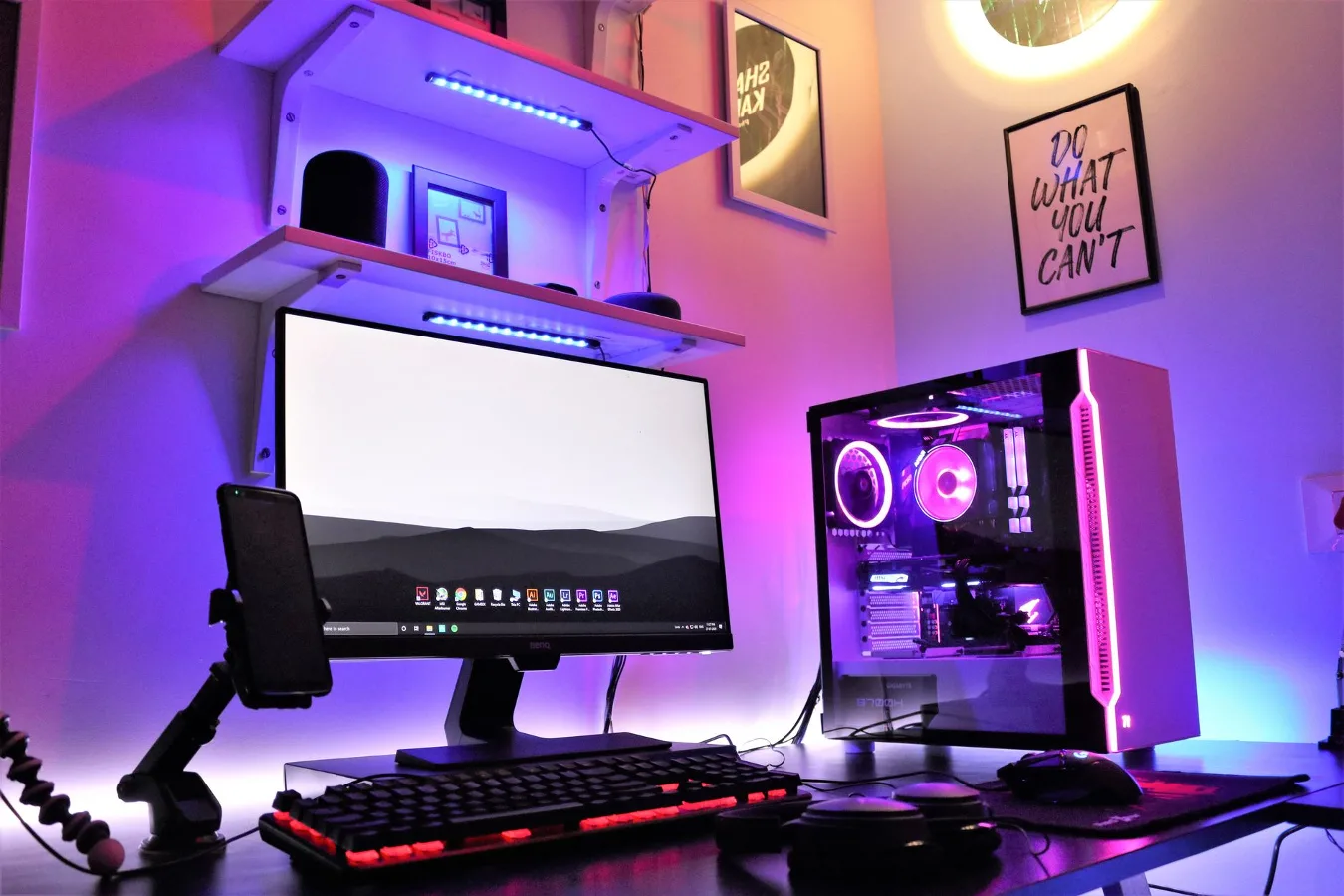
An under desk computer mount is a practical way to lift a desktop tower off the floor and create a cleaner, more usable workspace. For many home offices, it is less about aesthetics and more about protecting the computer case, improving access, and making floor cleaning easier. desk accessories for a cleaner setup offers more detail on this point.
The best choice depends on a few real-world factors: the size and weight of the computer, how your desk is built, how often you need to reach ports and drives, and whether airflow around the tower will stay unobstructed. A good mount should make the setup simpler, not create a new source of frustration.
When an under desk computer mount makes sense
This type of mount is most useful when a tower needs a fixed home and the desk area is tight. It works especially well in home offices, shared workstations, and smaller rooms where every bit of floor space matters. It can also help keep the computer away from dust, foot traffic, and accidental bumps from vacuums or chair legs.
It is worth considering if you regularly move around your chair, use rolling storage nearby, or want a more organized look without placing the computer on the desktop. For many users, the biggest benefit is simple: the tower is accessible, but not in the way.
There are also cases where a mount is less compelling. If you need to swap cables often, use front-panel ports constantly, or have an oversized case with unusual dimensions, a floor stand or a side shelf may be easier to live with. The right solution depends on how hands-on you are with the machine.
Step-by-step criteria for choosing the right mount
1. Start with the computer case shape and size
Not every desktop tower fits every mount. Measure the case’s height, width, and depth, then compare those dimensions to the mount’s supported range. This is more important than the product name or category label. A mount that is too narrow can pinch the case, while one that is too loose can leave the tower unstable.
Pay attention to the case design as well. A standard mid-tower is usually easier to mount than an unusual gaming chassis with side vents, a curved front panel, or a protruding handle. If the case has feet, dust filters, or bottom ventilation, those details can affect both fit and airflow.
2. Check how the desk is built
Desk compatibility is one of the most overlooked parts of the decision. Some mounts clamp to the underside of a desktop, while others screw into the surface. Each approach has trade-offs. Clamps are often easier to install and remove, but they require enough lip and structure to hold securely. Screw-mounted options can feel sturdier, but they demand careful placement and a desk material that can support repeated fastening.
Material matters too. Solid wood, engineered wood, laminate, and metal-framed desks all behave differently. A lightweight particleboard top may need more caution than a thick hardwood surface. If your desk already carries a monitor arm, power strip, or cable tray, make sure the mount will not collide with those accessories. solid wood computer desk offers more detail on this point.
3. Think about access, not just storage
A common misconception is that an under desk computer mount is only about saving space. In practice, the easier the tower is to reach, the more useful the mount becomes. You may need access to USB ports, power buttons, drive bays, audio jacks, or GPU connectors. If the mount blocks those points, everyday use becomes annoying fast.
Look for designs that allow enough clearance for plugging and unplugging cables without removing the entire unit. Swivel, slide, or open-frame styles can be helpful if your setup changes often. If your tower rarely needs direct access, a simpler fixed mount may be enough.
4. Review airflow and heat clearance
Computer cases need space to breathe. Mounting the tower under a desk should not trap hot air or block intake and exhaust points. Even if the mount itself does not cover vents, placement near a desk panel, wall, or cabinet can still limit circulation.
This is especially relevant for systems that run for long periods or that rely on side, rear, or bottom ventilation. Leave space around the case, and avoid pressing it tightly against surfaces that can disrupt airflow. If the case has side glass or a vented panel, make sure the mount’s support points do not interfere with that area.
5. Decide how much mobility you need
Some users want the tower to stay fixed. Others want the option to slide it out for cleaning or maintenance. That difference changes the kind of mount that makes sense. A static bracket may be fine for a set-and-forget office machine, but a movable design is often more practical for gaming systems, creative workstations, or PCs that need frequent cable changes.
Mobility also affects how easy it is to reach the rear ports. If the computer is mounted tightly under the desk and the cables are short, you may end up disconnecting more than expected just to service the machine. A little extra reach can save time later.
6. Match the hardware to your maintenance habits
Some people rarely touch the tower after setup. Others clean filters, replace drives, or upgrade parts on a regular basis. If you are the second kind of user, choose a mount that does not turn maintenance into a puzzle. Removable supports, open sides, and straightforward fasteners are usually better than tightly enclosed designs.
A mount should also allow you to check dust buildup and reach the ports without straining your wrist or kneeling on the floor. For a workstation that sees regular attention, ease of removal may matter more than a perfectly hidden look.
Common mount styles and what they suit best
| Mount style | Best for | Main trade-off |
|---|---|---|
| Clamp-on bracket | Users who want easier installation and removal | Needs a desk edge that can support the clamp securely |
| Screw-mounted bracket | Permanent setups and heavier towers | Less flexible if you move the desk or rearrange the layout |
| Sliding mount | People who want easier access for cables and cleaning | Usually needs more clearance beneath the desk |
| Open-frame holder | Cases that need airflow and accessible ports | May offer less side protection |
| Enclosed cradle | Users who want a more secure feel | Can limit access and ventilation if poorly designed |
No style is automatically best. The most useful option depends on whether you value convenience, stability, airflow, or accessibility. A mount that looks compact on paper can be the wrong choice if your desk is cramped or your tower needs frequent attention.
Practical examples of better fits
A compact home office with a standard mid-tower and minimal cable changes usually benefits from a simple bracket-style mount. The priority there is floor clearance and a neat visual footprint. home office cable management ideas offers more detail on this point.
A gaming setup with a larger case and regular upgrades may be better served by a sliding or open-frame mount, especially if the owner needs easy access to rear I/O, power leads, and dust filters. In that situation, a mount that is too restrictive can become a nuisance.
A shared office desk with multiple accessories may call for a wall-adjacent placement or a mount that keeps the tower tucked to one side. The goal is not only to save space, but to avoid interfering with chair movement, foot room, and cleaning routes.
Checklist before you buy
- Measure the computer case, including any feet, handles, or protruding panels.
- Confirm the mount’s supported size range and weight guidance.
- Check whether your desk can support a clamp or screw-mounted design.
- Leave room for airflow around vents and exhaust points.
- Make sure rear ports and power connections remain reachable.
- Consider whether you need the tower to slide out for cleaning or upgrades.
- Look at how the mount will interact with monitor arms, cable trays, and power strips.
- Decide whether you want a visible, open setup or a more tucked-away look.
Common mistakes to avoid
The most common mistake is buying by appearance instead of fit. A mount may look sturdy and compact, but if it does not match the case dimensions, it will create more problems than it solves.
Another frequent issue is overlooking airflow. A tower can technically fit in the bracket and still run in a cramped pocket of warm air. That is not a design win. Give the case room to breathe.
People also underestimate cable strain. If the mount changes the tower’s position without accounting for power, display, USB, and audio cable lengths, the result can be tension at the connectors. That is especially frustrating when the machine needs to move even a little for maintenance.
Finally, some users install the mount and then discover it blocks daily access to the front panel or side panel. Think through the full routine: powering on, plugging in devices, cleaning, troubleshooting, and upgrading. The best setup is the one that disappears into your workflow.
Alternatives worth considering
If an under desk computer mount does not suit your desk or case, a few other solutions can do the job with less compromise.
- CPU stand: A wheeled or stationary floor stand can be easier to position and move, especially for heavier towers.
- Desk-side shelf: Useful when you want the tower off the floor but still easy to reach.
- Monitor riser with storage space: Better for smaller desktop systems or compact workstations.
- Open floor platform: Simple and low-cost, though it offers less protection from dust and bumps.
The best alternative depends on whether your priority is cleaning access, cable management, or convenience. If the tower is large or the desk structure is unusual, a different storage solution may be the smarter long-term choice.
What makes a mount feel like a good long-term choice
A good under desk computer mount should solve a storage problem without creating a maintenance problem. That usually means decent adjustability, secure hardware, enough clearance for airflow, and a layout that does not force awkward cable bends.
For most buyers, the smartest purchase is not the most enclosed or the most minimal design. It is the one that matches the shape of the tower, the structure of the desk, and the way the workstation is actually used day to day. That is where the real value lives: not in hiding the computer, but in making the entire workspace easier to live with.