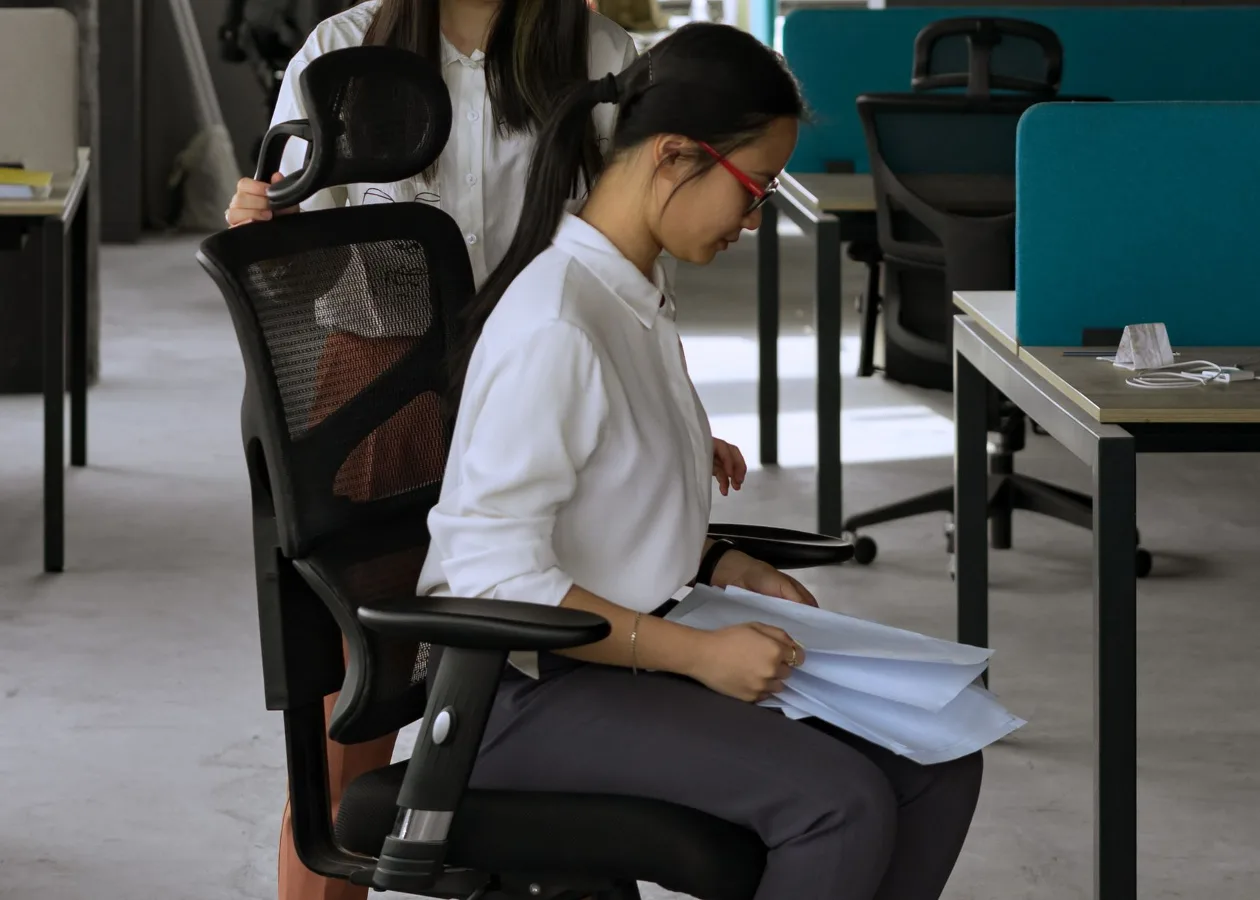
If you are considering the Hbada P5 ergonomic office chair with footrest, the main question is not just whether it looks comfortable. The real question is whether a chair with this kind of layout fits your work habits, your desk setup, and the amount of time you spend sitting. office chair materials and breathability offers more detail on this point. signs a chair fits your body properly offers more detail on this point.
For many buyers, a chair like this makes sense when the goal is more than basic desk seating. A footrest can be useful for reclining breaks, reading, or switching positions during the day, while ergonomic features are meant to support more sustained use. But that same design also brings trade-offs: it may take up more space, suit some body types better than others, and feel less ideal if you need a very upright, task-focused chair.
When the Hbada P5 style of chair makes sense
A chair in this category is best viewed as a hybrid between a standard office chair and a more relaxed seating option. That matters if your day includes a mix of focused computer work, calls, and short rest periods. The footrest is not just a comfort add-on; it changes how the chair is used.
This type of chair is often a better fit if you:
- work from home and want one chair for both task work and breaks
- prefer occasional reclining during the day
- like to shift pressure off your feet and lower legs
- need a chair that feels less rigid than a traditional task chair
- value comfort more than a minimalist office setup
It may be less suitable if you need to move in and out of the chair frequently, sit at a very fixed posture, or keep a compact workspace. Footrest-equipped ergonomic chairs can be more substantial than standard desk chairs, so the comfort benefit should be weighed against room layout and workflow.
What to evaluate before buying
Buying a chair like the Hbada P5 should start with fit, not features. A long list of adjustment options sounds appealing, but the useful question is whether those adjustments work together for your body and your desk height.
1. Fit and posture support
The biggest comfort factor is how well the chair supports your natural sitting position. A good ergonomic chair should help you sit with your back supported, shoulders relaxed, and feet placed comfortably whether you are upright or reclined. If the lumbar area feels too aggressive or too low, comfort drops quickly.
One common misconception is that more padding automatically means better ergonomics. In practice, a chair that is too soft can let you sink into a posture that causes more strain over time. Support and shape matter more than cushion alone.
2. Seat depth and height range
Seat depth affects whether your thighs feel supported without pressure behind the knees. If the seat is too deep, shorter users may feel forced to slide forward. If it is too shallow, taller users may feel under-supported. This is one of the most overlooked comfort details when people shop by images alone.
Height adjustment matters for the same reason. Your desk, monitor, and arm position all influence whether a chair feels balanced during work. A chair can be technically ergonomic and still feel wrong if it does not match your setup.
3. Backrest and recline behavior
Many buyers want a reclinable chair, but not every reclining mechanism feels the same. Some people want a slight lean for relaxed work, while others want a more pronounced recline for reading or short rests. The useful question is whether the backrest supports movement without feeling loose or hard to control.
If you spend most of the day typing, a recline feature should not replace upright support. It is better thought of as a comfort option between tasks, not a substitute for proper desk posture.
4. Footrest usefulness in real life
A built-in footrest can be genuinely useful, but only in the right context. It helps most when you want to shift position, reduce pressure on the feet, or recline for a break. It is less useful if your desk layout is tight or if you rarely lean back while working.
Another practical nuance: a footrest changes how far the chair extends when used. If your room is small, you should think about clearance behind the chair as much as the chair’s footprint itself.
5. Material and ventilation
Material choice influences how the chair feels after hours of use. Breathable back materials can help with heat buildup, while cushioned seating affects pressure distribution. Neither is automatically better; the right choice depends on climate, clothing, and how long you sit at a stretch.
If you live in a warmer environment or work long sessions, breathability becomes more important. If you prefer a softer seated feel, seat padding may matter more than a highly ventilated backrest.
How to decide if this chair fits your routine
The best way to judge the Hbada P5 is to map its features to your actual day. A chair that sounds ideal on paper may be unnecessary if you take frequent breaks and only sit for short sessions. On the other hand, someone doing long blocks of screen work may benefit from a chair that supports posture changes and rest positions.
Use this simple decision process:
- Think about your longest sitting stretch. If you often sit for extended periods, comfort and support matter more than appearance.
- Check your desk space. Make sure a footrest and reclining motion will not interfere with walls, shelves, or nearby furniture.
- Match the chair to your work style. A task-heavy workflow may favor a more upright chair; mixed work and relaxation may favor a chair like this.
- Look at body fit first. Seat depth, height range, and back support should suit your body before any extra features are considered.
- Decide whether the footrest will actually be used. If not, you may be paying for a feature that adds bulk without much value.
Where this type of chair can disappoint
Comfort chairs can be misunderstood because they promise versatility. The trade-off is that versatile chairs are not always the best at any single task. A chair with a footrest can feel less streamlined than a classic ergonomic task chair, and that matters if you need frequent posture changes or a clean, minimalist setup.
Common limitations to think about include:
- Space requirements: reclining and extending the footrest usually need extra clearance
- Task focus: some users prefer a firmer, more upright feel for concentrated work
- Body fit variability: one chair rarely suits every height and build equally well
- Assembly expectations: comfort chairs can have more parts and setup steps than basic chairs
- Long-term preference: a chair may feel great at first but less ideal if the ergonomics do not match your habits
These are not reasons to avoid the category. They are reasons to buy with a clear use case instead of assuming every ergonomic chair will feel right.
Helpful comparison points if you are weighing alternatives
If you are comparing the Hbada P5 ergonomic office chair with footrest against other office seating, focus on use case rather than brand label. A chair with a footrest is usually being compared with three broader options: a standard task chair, a mesh ergonomic chair, or a recliner-style office chair.
Standard task chair
A standard task chair is usually simpler and easier to place in a small home office. It can be a better choice if your main priority is upright work and frequent movement. It may not offer the same relaxation range as a footrest-equipped model.
Mesh ergonomic chair
Mesh chairs often emphasize breathability and all-day use. They can be a strong option for warm rooms or for users who want a lighter feel. However, they may not offer the same lounging comfort or leg support as a chair with a footrest.
Reclining comfort chair
A reclining comfort chair may be more relaxing overall, but sometimes less precise for focused computer work. If your chair must serve both productivity and downtime, a hybrid design can be more practical than a pure recliner.
The right choice depends on which discomfort you are trying to solve. Back fatigue, stiff legs, heat buildup, and lack of flexibility each point to a different solution.
Checklist before you buy
Before choosing the Hbada P5 or a similar ergonomic office chair with footrest, run through this checklist.
- Does the chair fit your height and body proportions?
- Will the seat depth support your thighs without crowding behind the knees?
- Do you need upright task support, recline support, or both?
- Is there enough floor space for the chair to extend and recline?
- Will you realistically use the footrest often enough to justify it?
- Do the materials suit your climate and comfort preferences?
- Are you comfortable with the assembly and setup involved?
- Would a simpler chair meet your needs just as well?
If a chair passes these checks, it is more likely to feel useful after the novelty wears off. That is the real test for comfort furniture.
Common mistakes buyers make
One frequent mistake is choosing a chair based on the footrest alone. A footrest can be nice, but if the back support is off, the chair still will not feel right for daily work. Another mistake is assuming all ergonomic chairs are equally adjustable. The details of adjustment range, tilt feel, and seat shape matter a great deal.
People also sometimes overlook room layout. A chair may work well in a spacious office and feel awkward in a tight corner. Finally, many buyers focus on short-term comfort and ignore how they like to sit after an hour or two. That is where ergonomic design either helps or starts to annoy. how to choose an ergonomic office chair offers more detail on this point.
Who should consider the Hbada P5 more seriously
This type of chair is worth closer attention if you want one seat that can handle both work and relaxation. It is especially relevant for home office users, hybrid workers, and anyone who tends to lean back between tasks. If your comfort priorities include leg support and posture variety, the design makes sense to explore.
By contrast, if you want a compact, highly mobile task chair or you sit very upright all day, a simpler ergonomic model may be the more practical choice.
FAQ
Is an ergonomic office chair with footrest good for long work sessions?
It can be, if the chair supports your posture well and the footrest is used as part of position changes rather than as the only comfort feature. The fit of the seat, lumbar support, and recline behavior matter just as much.
Do footrests help with comfort?
They can help by reducing pressure on the feet and giving you another way to vary posture. The benefit depends on how often you recline and whether the chair fits your desk space.
Is a chair with a footrest better than a standard office chair?
Not universally. A footrest chair is better for some home office routines, while a standard task chair may be better if you need a more upright, compact setup.
What should I check first before buying the Hbada P5?
Start with seat fit, back support, recline space, and whether you will actually use the footrest. Those factors will matter more day to day than the feature list itself.
Can a chair like this replace a separate lounge chair?
Sometimes, for short breaks or casual use. But it is still primarily a desk chair, so it should be judged first on how well it supports working posture.
If you are shopping for comfort rather than just a chair, the Hbada P5 ergonomic office chair with footrest belongs in the category of practical hybrid seating. The best purchase decision comes down to fit, space, and whether you want a chair that supports both focused work and relaxed breaks without needing a separate seat for each.