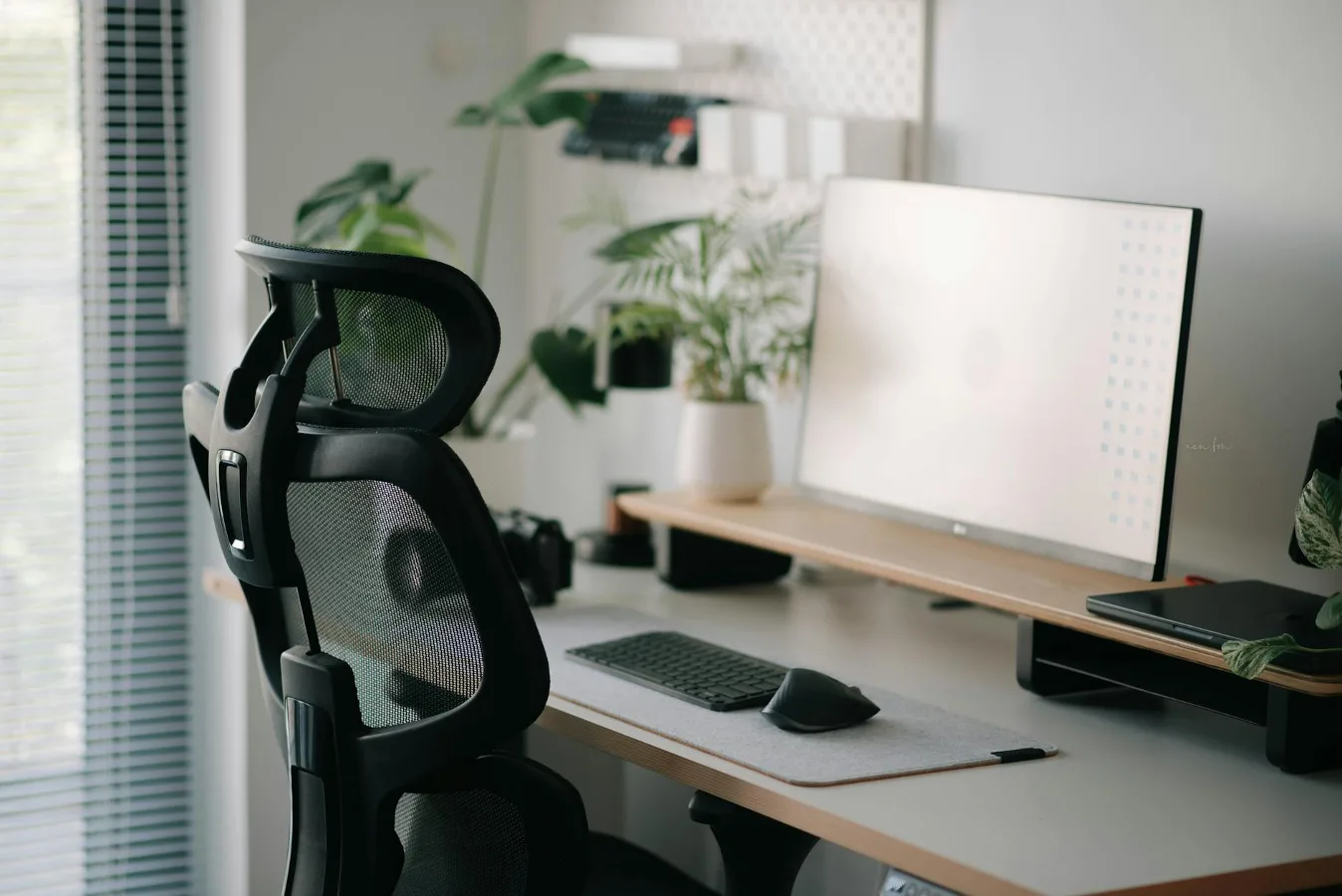
If you’re looking for an ergonomic chair for lower back pain, the short answer is this: prioritize a chair that fits your body, supports the natural curve of your spine, and adjusts to your desk setup. A well-designed chair can reduce strain, but it is not a cure-all. Fit, posture habits, and how long you sit still matter just as much as the chair itself. complete guide to ergonomic drafting chair offers more detail on this point.
For many people, lower back discomfort shows up after long periods of sitting, especially in chairs that are too deep, too flat, or too rigid. The most useful ergonomic chairs for this problem usually include adjustable lumbar support, seat height adjustment, seat depth or sliding seat options, and armrests that can be positioned without forcing your shoulders upward.
This buyer’s guide focuses on the features that actually affect comfort, the trade-offs between common chair styles, and the practical details people often overlook before buying.
Start with the sitting problem, not the chair label
“Ergonomic” is not a guarantee. Two chairs can both carry that label and still feel very different once you sit down. For lower back pain, the question is less about whether a chair is ergonomic in name and more about whether it supports a neutral seated position for your body size and work habits.
Lower back discomfort while sitting often comes from a mix of factors:
- slouching because the backrest does not support the lumbar area
- pressure from a seat that is too hard or too shallow
- reaching forward to a desk that is too high or too far away
- sitting too long without position changes
- poor match between chair dimensions and body proportions
That last point is easy to miss. A chair that feels supportive for one person may aggravate another person’s back simply because the seat is too long, the lumbar curve lands in the wrong place, or the armrests interfere with natural posture.
Who usually benefits most from an ergonomic chair
An ergonomic chair tends to make the biggest difference for people who sit for extended periods and notice stiffness, fatigue, or aching in the lower back by the end of the day. That includes remote workers, office employees, students, gamers, and anyone using a computer for long stretches.
It can also help if your current chair encourages you to collapse backward, perch at the edge, or lean forward for the screen. In those situations, better adjustability and improved lumbar support can make sitting feel less demanding.
That said, if your lower back pain comes from a medical condition, injury, or nerve-related issue, a chair alone may not solve it. A more supportive seat can be part of the solution, but persistent or severe pain deserves professional guidance.
Features that matter most for lower back support
Not every ergonomic feature carries equal weight. For lower back comfort, some details matter a great deal while others are secondary.
Adjustable lumbar support
Lumbar support helps fill the gap between the chair and the natural inward curve of the lower spine. The key word is adjustable. Fixed lumbar support can work well if it happens to line up with your back, but adjustable support is usually safer from a fit standpoint.
Look for support that can move up and down, and ideally in depth as well. Too much pressure in the wrong spot can feel worse than no support at all. A good lumbar element should encourage upright sitting without pushing uncomfortably into the spine.
Seat height
Seat height should let your feet rest flat on the floor with knees roughly level or slightly lower than the hips. If the seat is too high, your lower back may round as you search for footing. If it is too low, your hips can tuck under and increase strain.
Seat height matters even more if you use a standing desk part of the day or share a workspace with someone else. A wide adjustment range gives you more room to match the chair to the desk and your body.
Seat depth
Seat depth is one of the most overlooked factors in lower back comfort. If the seat is too deep, the front edge can press behind your knees or force you to sit away from the backrest. If it is too shallow, you may lose thigh support.
The ideal setup usually leaves a small gap behind the knees while still allowing you to rest fully against the backrest. For shorter or taller users, a sliding seat pan can make a major difference.
Backrest shape and recline
A backrest that supports movement is often better than one that locks you into a rigid pose. Gentle recline can reduce pressure on the lower spine by shifting some load away from the seated position. The best chairs let you recline without feeling like you are slipping backward.
Some people assume a completely upright chair is best for back pain. In practice, a slightly reclined posture often feels better for longer work sessions because it reduces static loading. The goal is support, not stiffness.
Armrest adjustability
Armrests can help by reducing tension in the shoulders and upper back, which can indirectly affect the lower back. If the armrests are too high, though, they can raise your shoulders and create tension throughout the torso. If they are too low or too wide, they may be ignored altogether.
Height-adjustable armrests are the minimum worth considering. Width and pivot adjustment are helpful if you alternate between typing, writing, and reading.
Material choices: comfort versus support
Materials influence feel, breathability, maintenance, and how the chair supports your body over time. The right choice depends on your climate, sitting duration, and personal comfort preference.
Mesh
Mesh chairs are popular because they breathe well and often feel cooler during long work sessions. They can also offer a responsive backrest that adapts to movement. The trade-off is that some mesh seats feel too firm, and lower-quality mesh may lose tension over time.
For lower back pain, mesh can work well if the lumbar support is well designed and the seat edge is comfortable enough for long periods.
Padded cushions
Padded chairs may feel more forgiving at first, especially if you prefer a softer seat. The risk is that a cushion that is too plush can let you sink in and lose stable pelvic support. Overly soft padding can also create hot spots if the support is uneven.
If you choose a padded chair, check whether the cushion is supportive rather than just soft. Comfort should not come at the expense of alignment.
Leather and faux leather
These materials often feel more substantial and can be easy to wipe clean, which appeals to some buyers. The main drawback is breathability. In warmer rooms, less airflow can make longer sitting sessions less comfortable.
Material alone will not determine back support, but it affects how likely you are to stay comfortable enough to keep good posture.
Trade-offs worth thinking through before you buy
The best chair for lower back pain is rarely the one with the most features. It is the one that matches your body, desk, and habits without adding new frustrations.
More adjustability usually means better fit, but it can also mean a steeper learning curve. Some people prefer a simpler chair because they are more likely to use it correctly. Others need more adjustment points to find a comfortable setup.
Soft seating can feel inviting, but overly plush chairs may reduce support over time. A firm chair can feel less luxurious at first yet provide better long-session stability.
High-back chairs can feel supportive, but a tall backrest is not automatically better for the lower back. What matters most is whether the lumbar area is shaped and positioned well.
Premium materials can improve durability, but they do not guarantee better fit. A less expensive chair that matches your dimensions may be more helpful than a costly chair that does not.
Common misconceptions that lead to the wrong purchase
One common misconception is that lumbar support should be very firm and constant. In reality, too much pressure can be distracting or even uncomfortable, especially for people who already feel irritated in the lower back.
Another is that a chair alone can fix back pain. A chair can reduce strain, but desk height, monitor position, foot placement, and sitting habits all affect how your back feels. If the monitor is too low and you lean forward all day, a better chair may help only a little.
A third misconception is that “one-size-fits-all” ergonomic chairs truly work for everyone. People vary in height, leg length, torso length, and sensitivity to pressure. That is why adjustability matters so much.
How to choose the right chair for your situation
If you work at a computer for most of the day, start by choosing a chair that offers a good range of adjustments rather than focusing on appearance. Your priority should be fit.
If you are shorter than average, pay special attention to seat height, seat depth, and armrest height. If the chair is too deep or the lumbar support sits too high, it may never feel quite right.
If you are taller, check whether the backrest is high enough and whether the seat pan gives enough thigh support without forcing you forward. Taller users often need more adjustment range than product photos suggest.
If you tend to feel pressure in the tailbone or upper pelvis, a seat with better contouring or a more carefully shaped cushion may matter as much as lumbar support. If you feel more strain from leaning forward, focus on backrest shape, recline, and desk alignment.
If you share the chair with another person, easy adjustment becomes especially important. A chair that is simple to fine-tune will be used correctly more often than one with complicated controls.
Practical setup matters as much as the chair itself
Even a strong chair choice can disappoint if the rest of the workstation works against it. Lower back comfort depends on the full sitting arrangement.
- Keep your feet supported and flat when possible.
- Position the monitor so you are not constantly leaning forward.
- Make sure the keyboard and mouse are close enough to avoid reaching.
- Use the backrest rather than hovering forward for long stretches.
- Change posture periodically instead of staying frozen in one position.
An overlooked nuance is that some people buy a better chair but keep an old desk setup that is too high, too low, or too crowded. That can make the new chair feel only marginally better. Good ergonomics works as a system.
When an alternative may be better than a standard chair
A traditional ergonomic chair is not always the only option. Depending on your routine, another seating style may suit you better.
Kneeling chairs can encourage an open hip angle, but they are not ideal for all-day use and may require an adjustment period.
Saddle-style seating may help some users sit more upright, though it is not a universal fix and can feel unusual at first.
Active sitting stools can be useful for short periods or task variation, but they usually do not replace a supportive task chair for long work sessions.
Standing desk rotation can reduce total sitting time, which is often more important than finding a single perfect chair.
If your lower back pain worsens when you sit no matter what you do, reducing uninterrupted sitting time may be as important as upgrading the chair.
What to do next before you purchase
Before buying, measure your current setup if you can. Check seat height range, seat depth, lumbar adjustability, armrest range, and weight capacity guidance from the manufacturer. Then compare those details with your body dimensions and desk height.
Read the chair description with a practical lens. Skip buzzwords and focus on whether the chair lets you adjust the points that affect lower back comfort. A good office chair for lower back pain should help you sit naturally, not force you into a rigid pose.
If possible, look for a return policy that gives you enough time to judge fit in your own workspace. A chair can seem fine for a few minutes and still feel wrong after a full workday. That delayed verdict matters.
Finally, remember that the best choice is often the chair you can set up correctly and use consistently. Comfort comes from the combination of support, fit, and habits. For lower back pain, that combination matters more than any single feature.